Groups, events, surveys and areas of knowledge can be Public (visible to everyone), or Private (only visible to people you choose). When you create a group (or other tools), choose the privacy option that you think is appropriate.
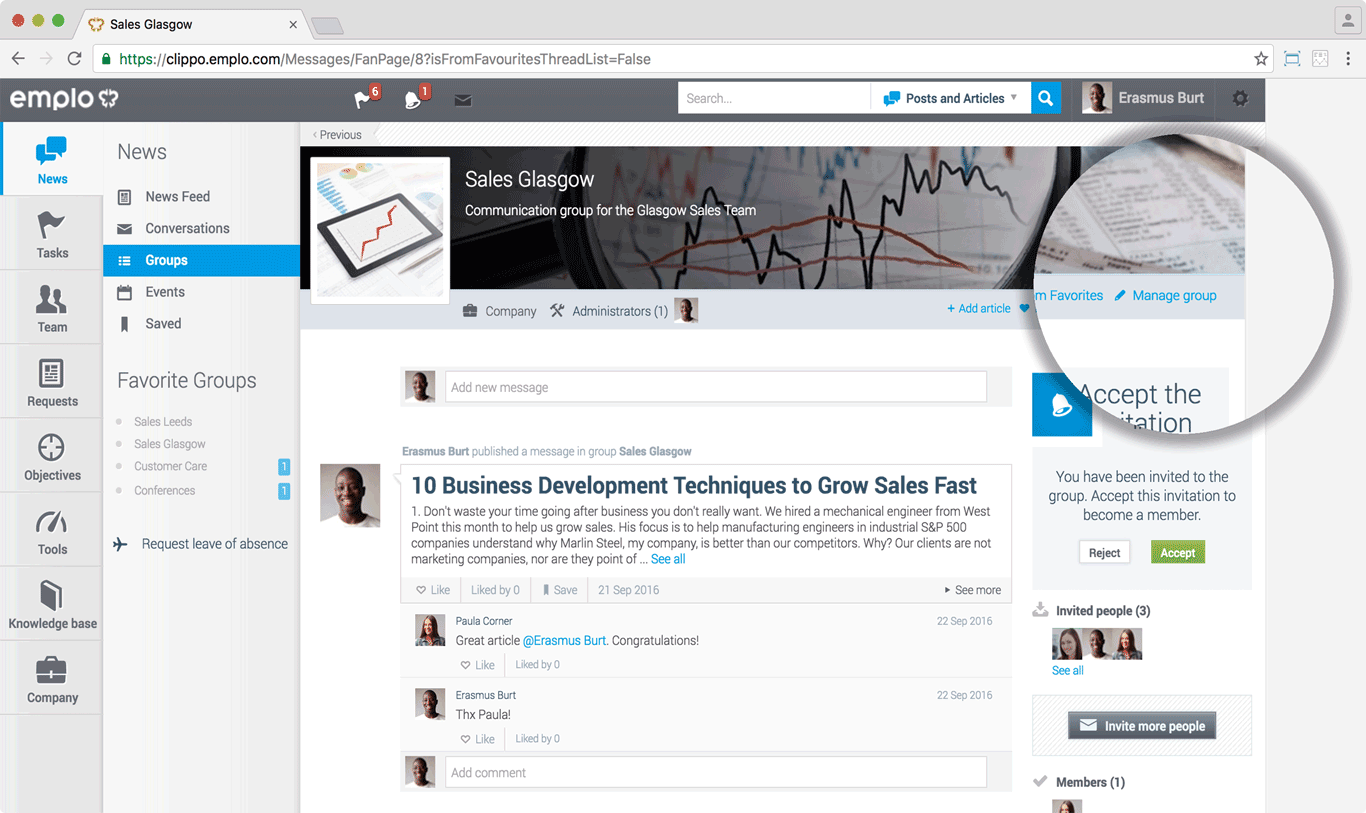
Now invite people who should see a given group, survey, event, or area of knowledge. Access to private components of the system is given only to people who have been invited to these areas, as well as, users with Super Admin permission role.